
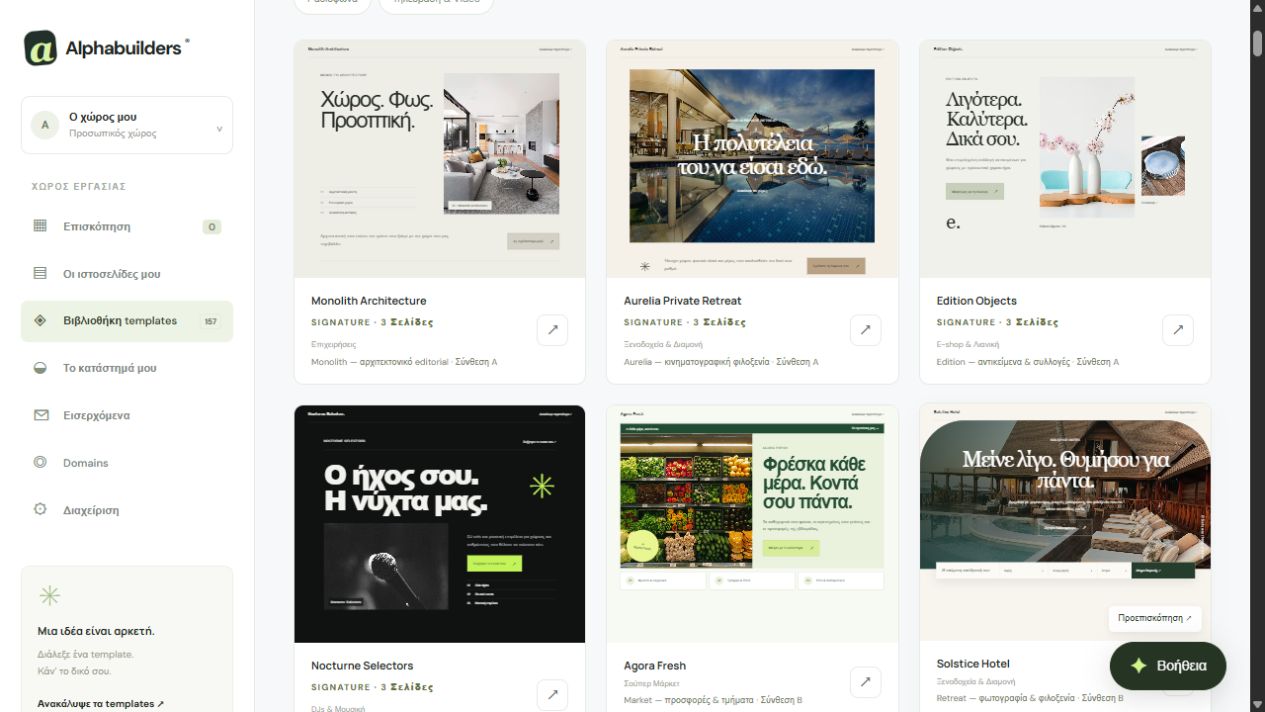
Start with the right look
Your store is part of your overall identity. Choose a theme that fits your products: Market for an organised range, or Edition and Boutique for collections led by photography. Add your brand, actual contact email and business details. Template photographs are examples; your own images give customers an accurate view of the products they are buying.
Add products and actual stock
In Store, add a title, description, category, SKU, image, euro price and available stock. Products with different options can have variants with their own price and stock, such as size or colour. Use specific descriptions: dimensions, materials, package contents and details that help customers decide.
Set payments and shipping
The current version supports cash on delivery and bank transfer. Add transfer instructions and choose which available payment methods to offer. Set a flat shipping fee, a free-shipping threshold and supported countries. Clearly present your own purchase, shipping and returns terms. Online card payments and automatic courier integrations are not included in the current version.
Follow the customer journey
Before opening your store, check the catalogue, product pages and variant choices on desktop and mobile. Confirm prices and stock, and make sure shipping appears as configured. The cart and checkout calculate available options on the server. A careful test using your own details helps you find descriptions or settings to correct before real orders arrive.
Manage orders in clear steps
Orders appear in the store dashboard for review and status updates. Bank transfer payments are confirmed manually after you verify receipt. Website versions cover page design and content, and do not back up products or orders. If you need card payments, ERP, invoicing or complex shipping rules, contact AlphaServer to assess those requirements separately.